

Sensors & accessories
Individual solutions: Sensors and accessories for every application
Harrer & Kassen offers a wide range of sensors, antennas and accessories that are specially tailored to individual requirements. These components optimize the performance of our measuring devices and guarantee maximum efficiency.
What does our range include?
Sensors and antennas for microwave measuring devices
High-precision sensors specially developed for specific industrial applications to ensure reliable measurements.
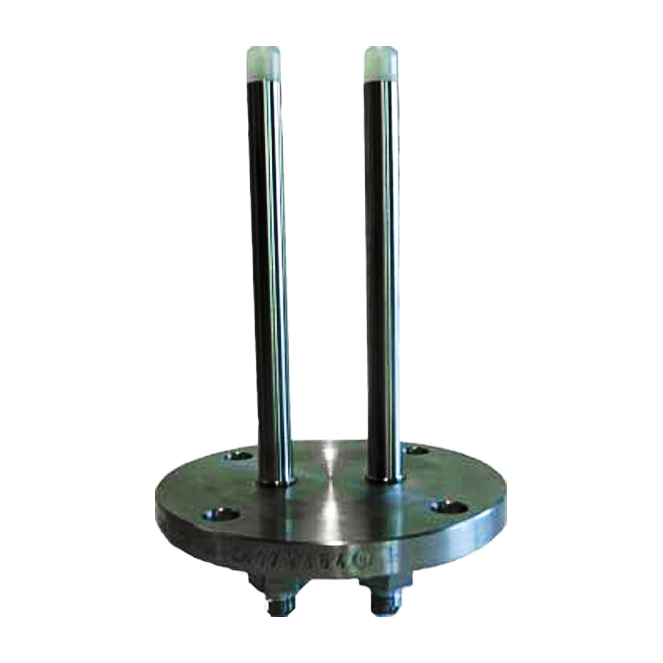
Rod sensor
Area of application:
Microwave measurement, dry substance, in pipes and containers, BRIX measurement
Construction technology:
Immersion depth: 195mm
Suitable for:
Flange DN65 PN6: HK1-M, HK2-M
Flange DN80 PN6: HK1-M and HK1-Mp
Other flanges on request.
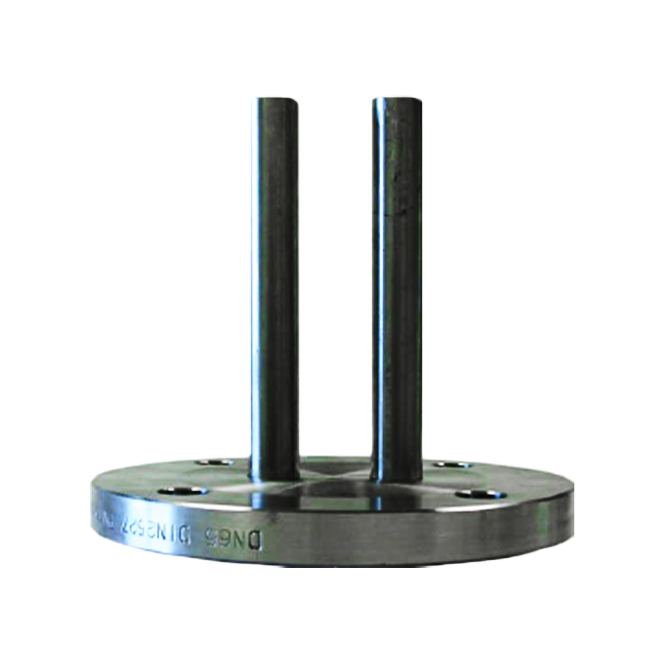
Rod sensor with cleaning
Area of application:
Microwave measurement, dry substance, in pipes and containers, BRIX concentration measurement in the sugar industry
Construction technology:
Immersion depth: 195mm
Suitable for:
Flange DN65 PN16 with integrated flushing function for cleaning: HK1-M, HK2-M
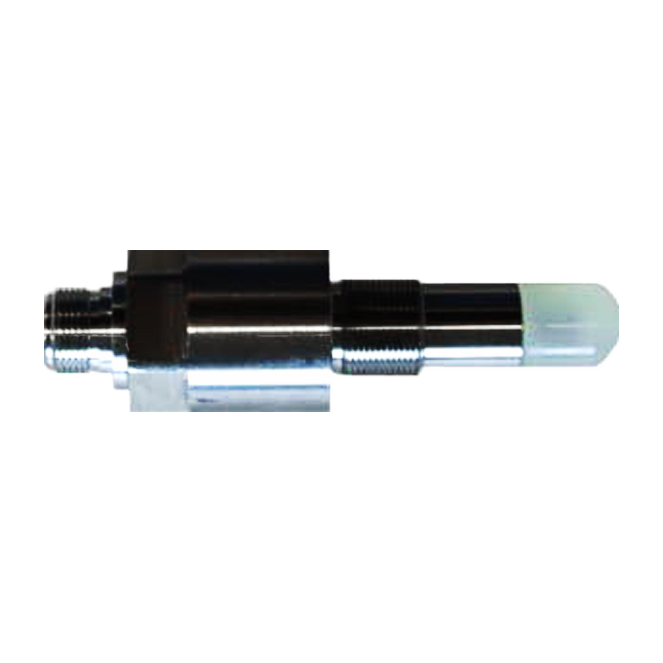
Short 3A rod sensors
Area of application:
Microwave measurement, dry matter, in pipes and containers
Mounting technology:
Sensor distance max. 80mm
Suitable for:
HK1-M, HK2-M
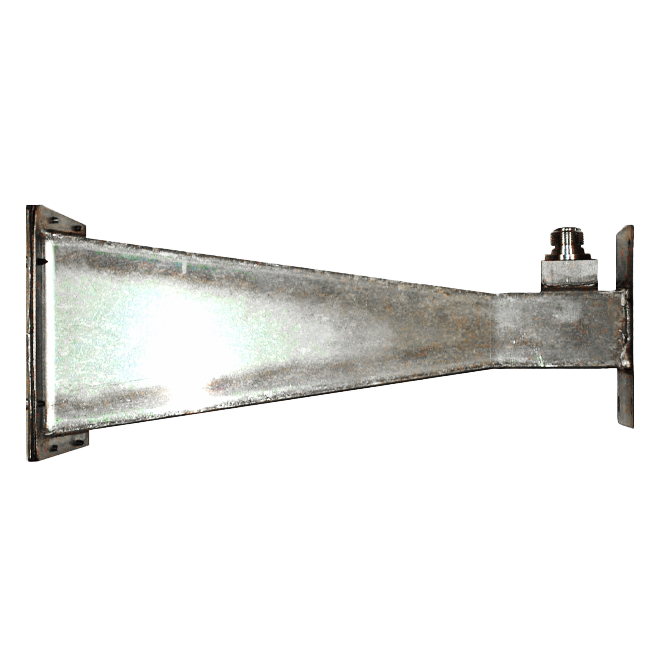
Horn antenna
Area of application:
Microwave measurement, dry matter, on conveyor belts.
Installation technology:
Antenna spacing max. 1,000 mm
Suitable for:
HK1-M, HK1-Mp and HK2-M
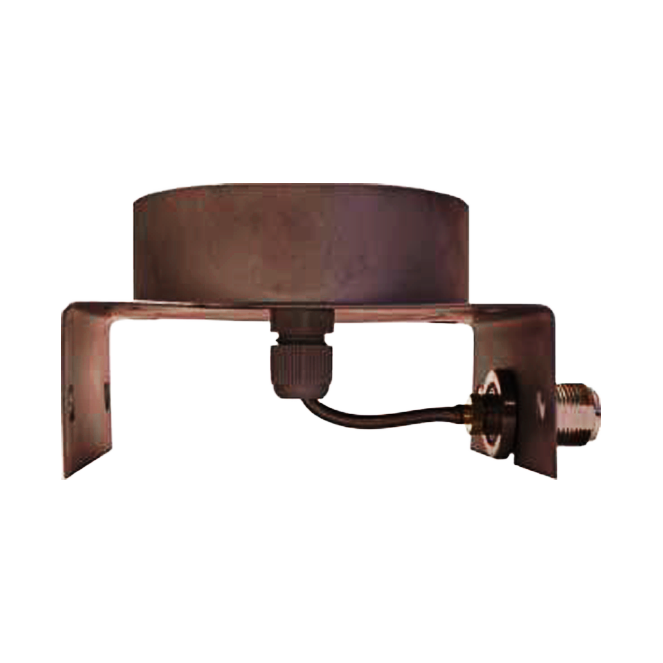
Spiral antenna
Area of application:
Microwave measurement, dry substance, on conveyor belts or measuring arrangements with manual product feed.
Mounting technology:
Antenna spacing max. 500 mm
Suitable for:
HK1-M, HK1-Mc, HK1-Mp, HK2-M and HK9
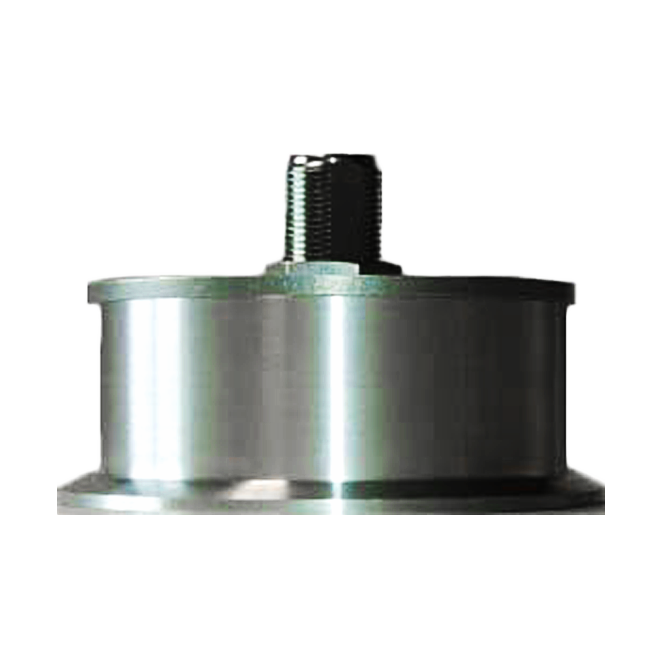
3A spiral antenna
Area of application:
Microwave measurement, dry substance, in pipes.
Mounting technology:
Tube diameter max. 200 mm
Suitable for:
HK1-M, HK1-Mp and HK2-M
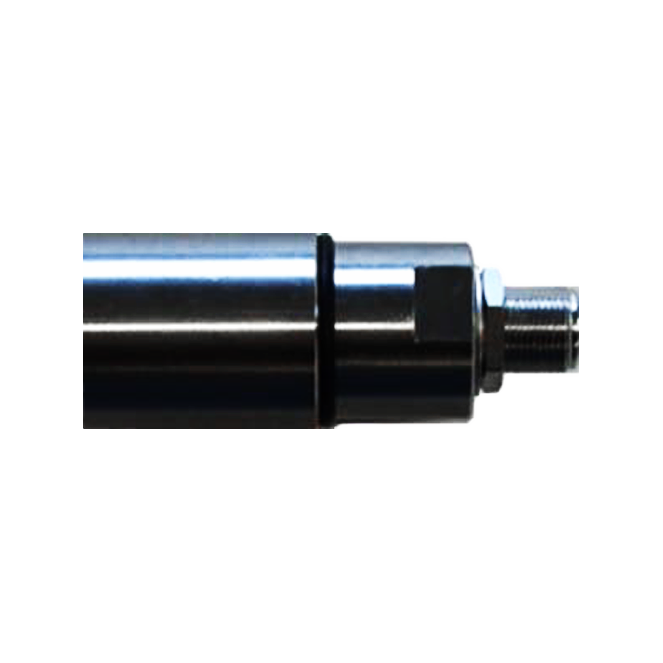
Mini spiral antenna
Area of application:
Microwave measurement, dry substance, in pipes.
Mounting technology:
Tube diameter max. 100 mm
Suitable for:
HK1-M, HK1-Mp and HK2-M
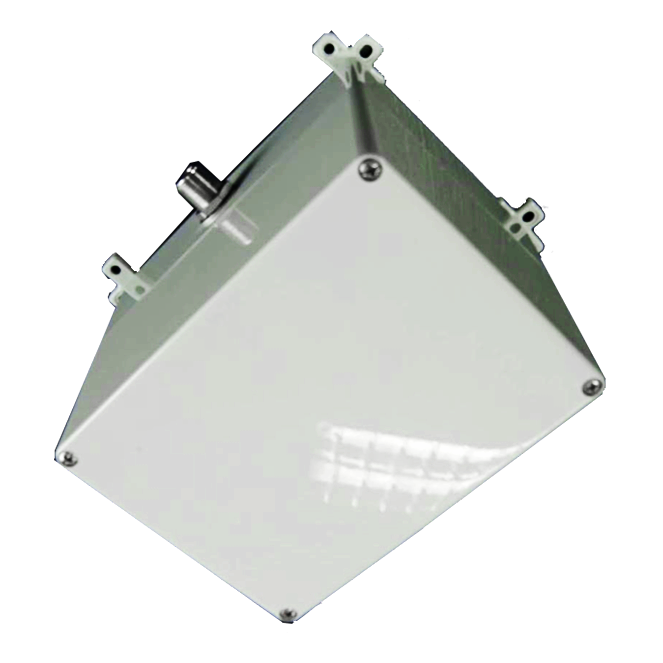
Vivaldi antenna
Area of application:
Microwave measurement, moisture and bulk density, for bulk goods and bales on a conveyor belt. Can be used from a layer thickness of 10 cm – 100 cm, depending on the material.
Suitable for:
HK9
Reflection and transmission VIS/NIR sensors
The modular system consists of a VIS or NIR sensor and an evaluation unit.
Depending on the application, two measuring principles are available:
- Reflection measurement: The product is irradiated with white halogen light or LED light. The reflected VIS/NIR component is detected and evaluated by the sensor. This method is particularly suitable for solid, liquid or non-transparent products.
- Transmission measurement: The product is irradiated with halogen light, which is only possible with transparent media. The penetrating light is received and evaluated by the sensor.
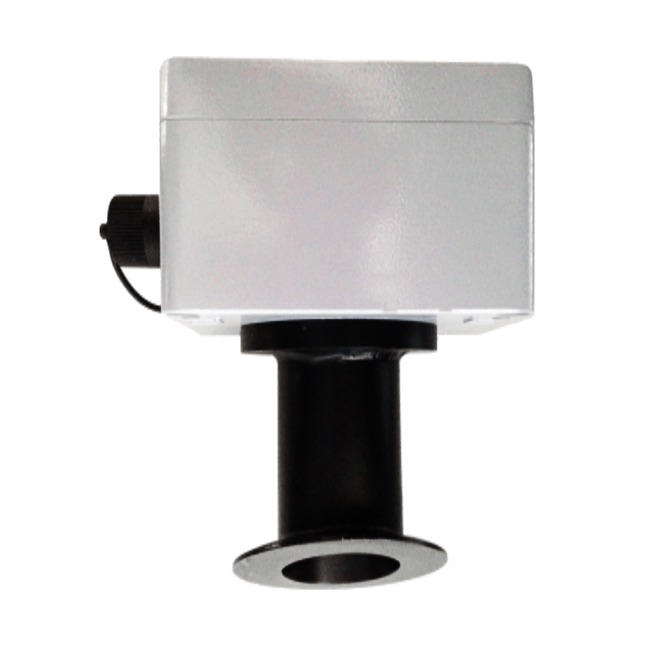
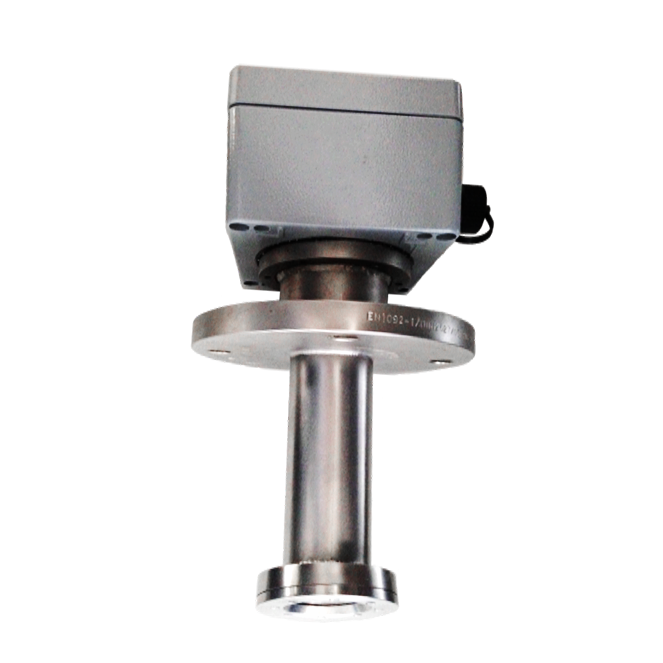
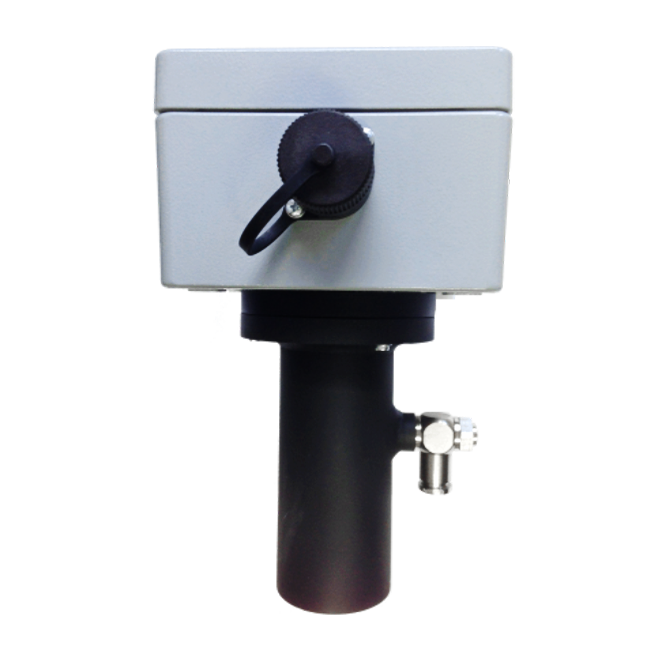
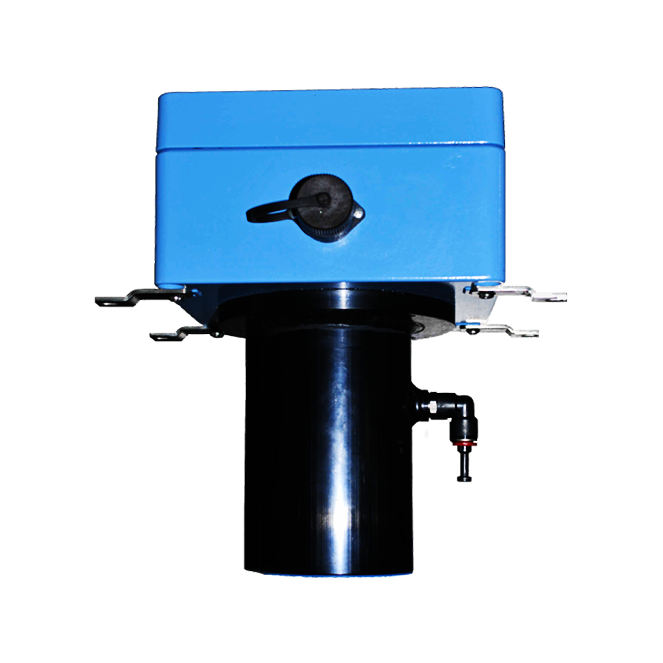
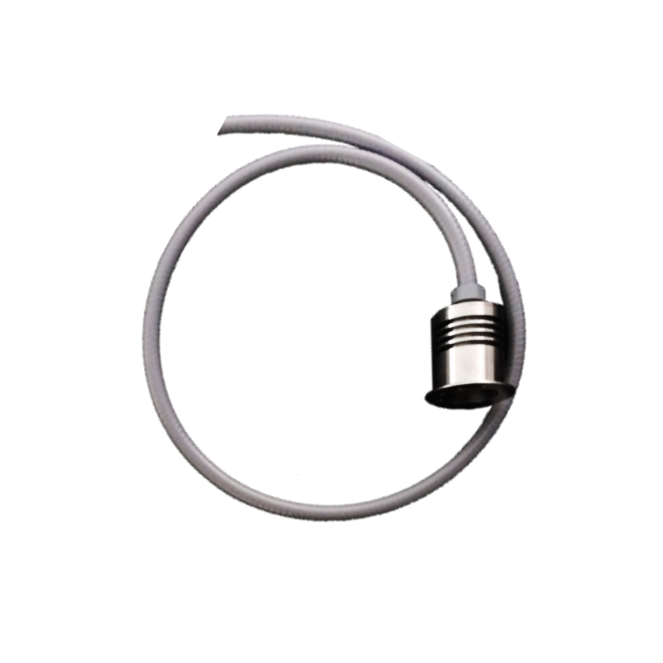
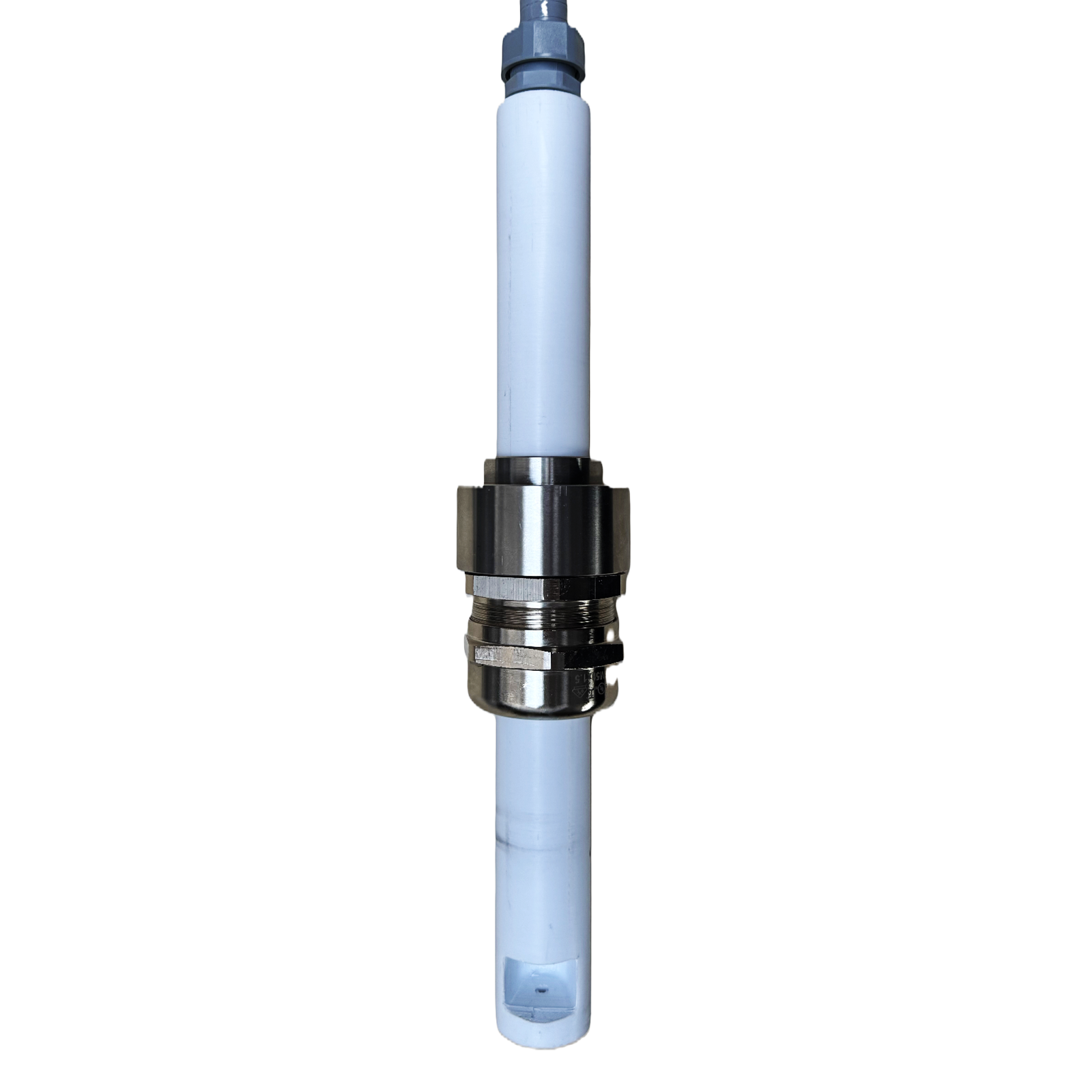
HK3 and HK8 sensors
10
Area of application:
NIR measurement for determining the water content and/or organic components on conveyor belts or webs.
40
Area of application:
NIR measurement for determining the water content and/or organic components in piping systems and tanks.
50
Area of application:
NIR measurement for determining the water content and/or organic components in pipes from DN250.
60
Area of application:
NIR measurement for determining the water content and/or organic components on conveyor belts or webs.
HK4 sensors
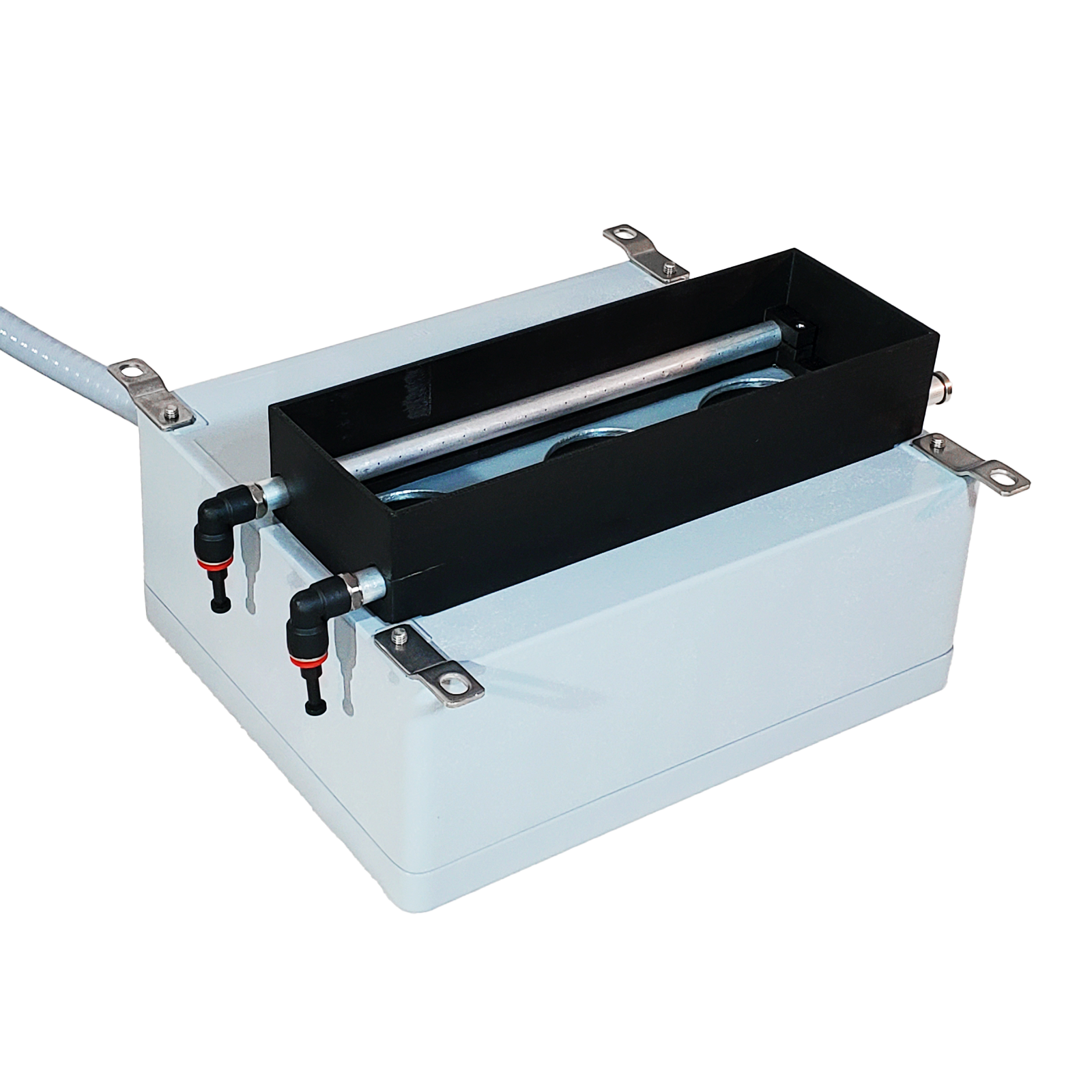
Standard
Area of application:
NIR measurement in pipes or tanks to determine water content and organic components.
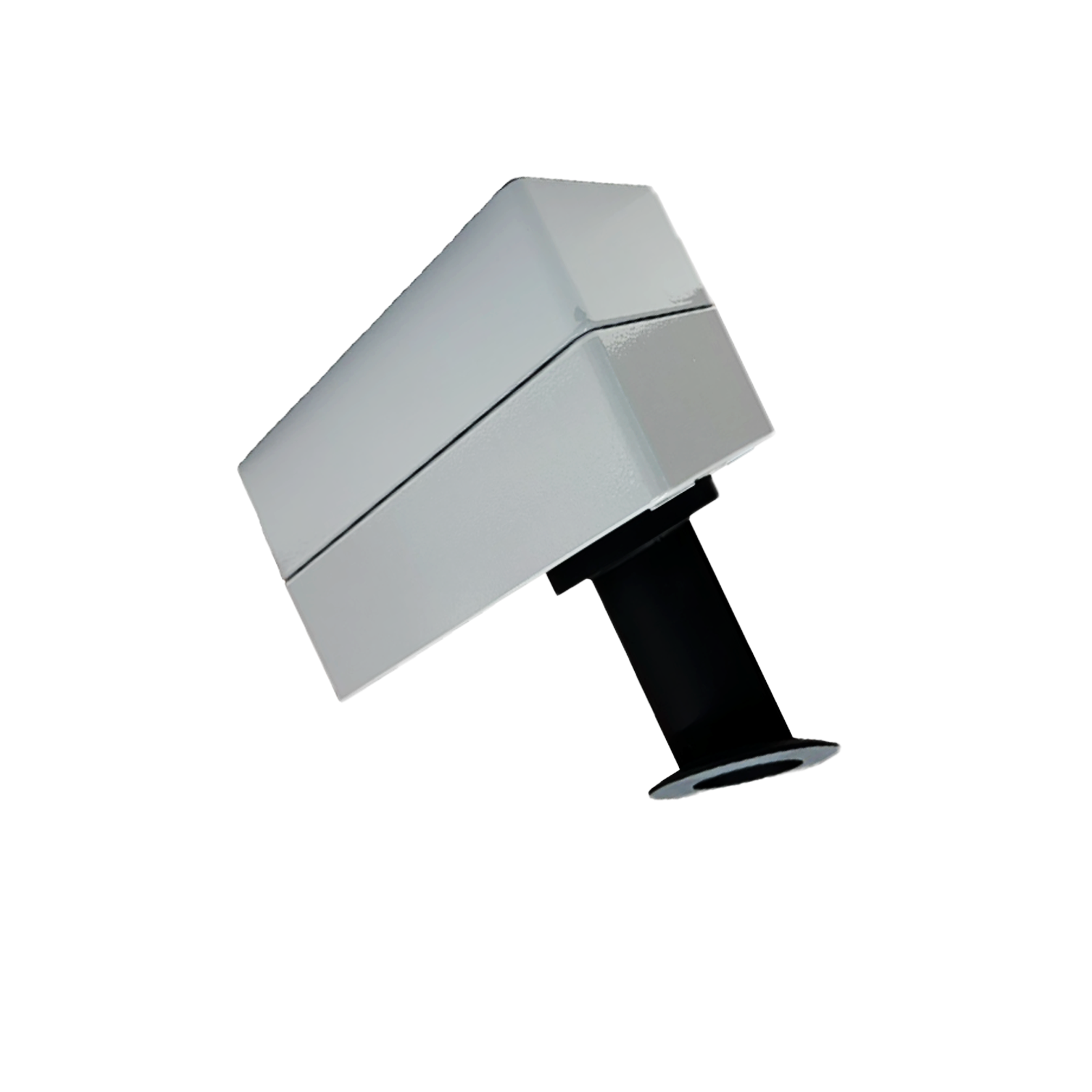
Free field
Area of application:
- NIR measurement on conveyor belts to determine water content and organic components.
- NIR measurement of pneumatically conveyed and free-falling products to determine water content and organic components.
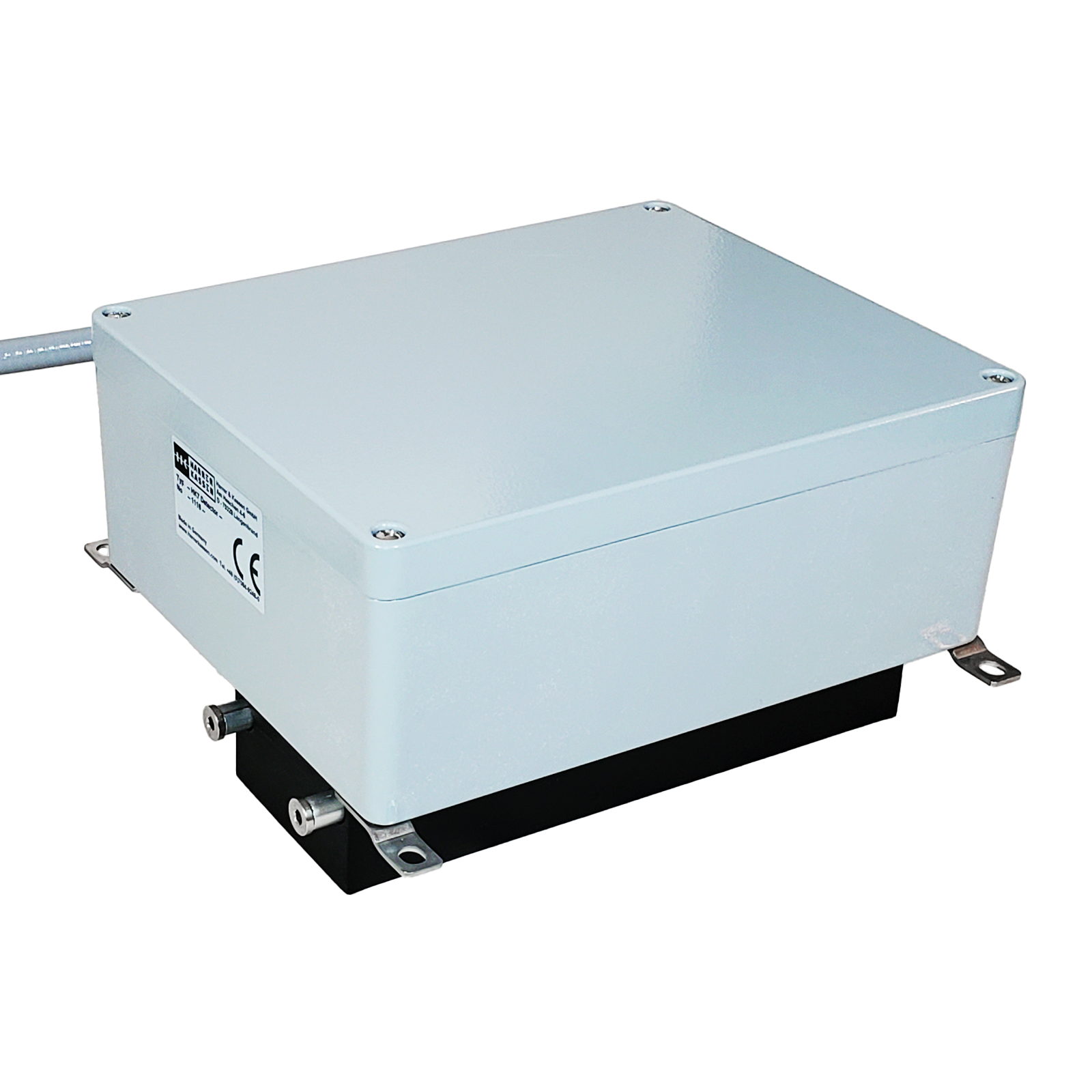
HK5 sensors
Free field
Area of application:
VIS/NIR measurement for the determination of color in the CIELab color space + water or an organic component or for the determination of color in solution (ICUMSA) in sugar production on conveyor belts.
Installation in pipes (from DN100) or tanks
Area of application:
VIS/NIR measurement for the determination of color in the CIELab color space + water or an organic component or for the determination of color in solution (ICUMSA) in sugar production in pipelines or tanks.
HK7 sensors
Free field
Area of application:
VIS measurement for determining color in the CIELab color space or for determining color in solution (ICUMSA) in sugar production on conveyor belts.
Installation in pipes (from DN100) or tanks
Area of application:
VIS measurement for the determination of color in the CIELab color space or for the determination of color in solution (ICUMSA) in sugar production in pipes or tanks.
Accessories and cables
Here you will find a small selection of accessories and cables for our measuring devices.
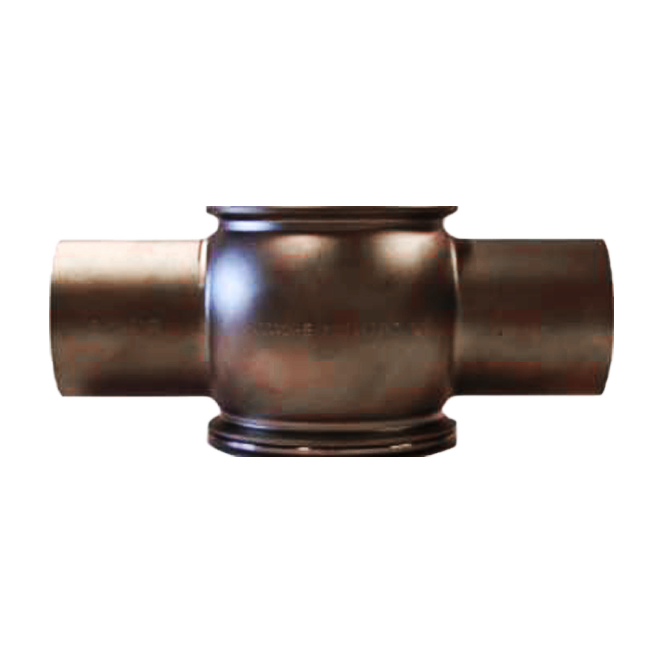
3A flow cell stainless steel
Area of application:
Microwave and NIR measurement in piping systems
Construction technology:
Pipe diameter: DN40, DN50, DN65, DN80, DN100, DN125, DN150, OD1 ½”, OD2″, OD2 ½”, OD3″, OD4″ OD6“
Suitable for:
HK1, HK2, HK3, HK4, HK5, HK7, HK8
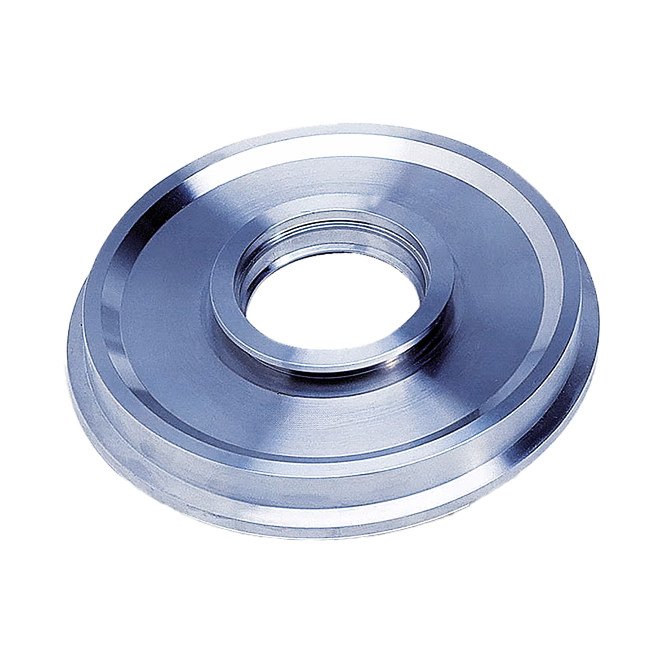
3A housing connection flange T stainless steel
Area of application:
Microwave and NIR measurement on tanks and screw conveyors
Mounting technology:
Weld-in flange for tank and screw conveyor applications
Suitable for:
HK3, HK4, HK5, HK7 HK8, HK13
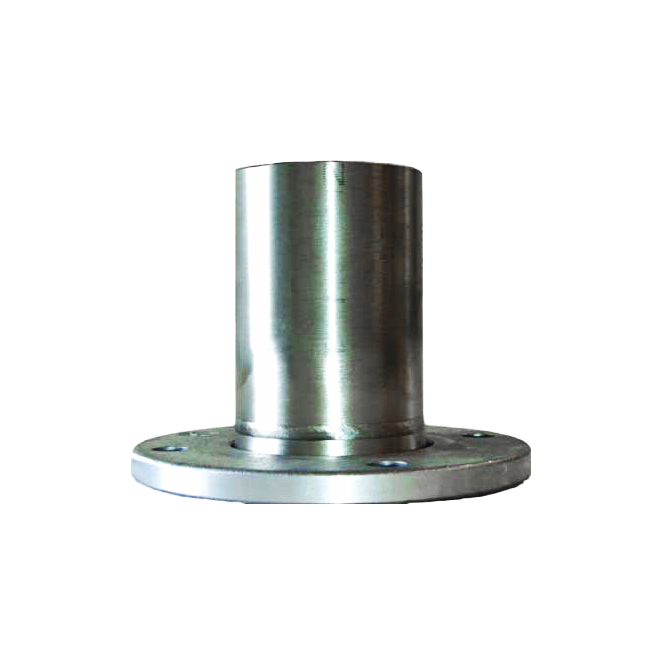
Flared flange
Area of application:
Installation device for flexible rotation of the microwave rod sensors.
Suitable for:
Rod sensors with DN65 or DN80 flange
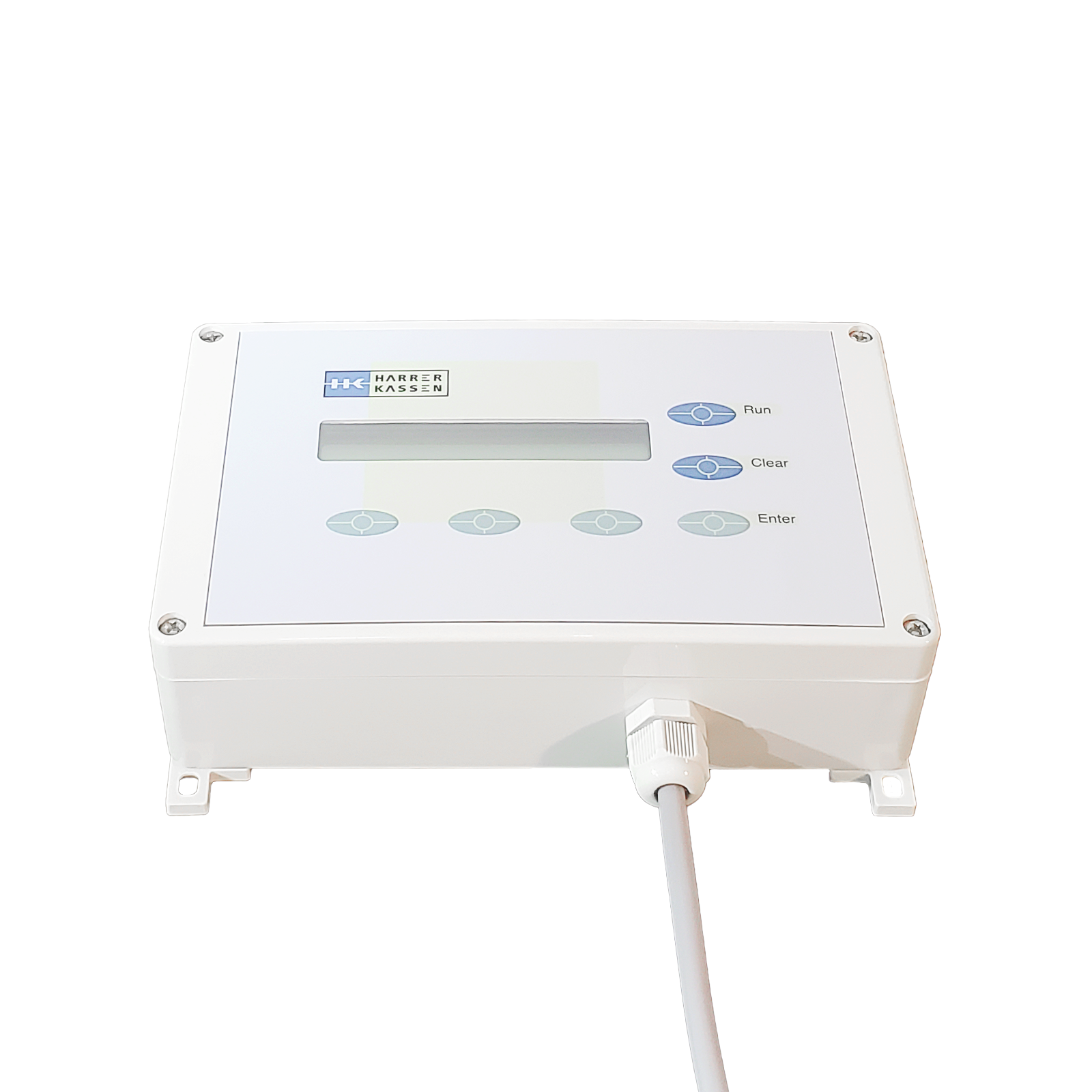
Remote control
Area of application:
Remote control of HK evaluation units via 8 m connection cable
Construction technology:
Plastic housing with membrane keypad and display. Connection cable 8 m.
Suitable for:
All Harren & Kassen trade fair equipment
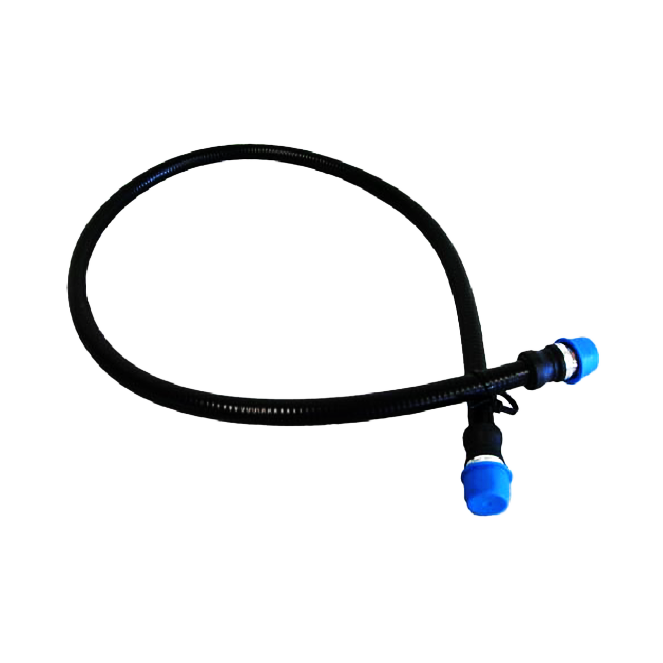
HF cable
Area of application:
Connection cable between the evaluation units and the respective microwave sensors.
Construction technology:
Coaxial cable for indoor and outdoor use with a cable length of 1 m or 2 m.
Suitable for:
HK1-M, HK1-Mp, HK1-Mc, HK2-M, HK9 and HK13
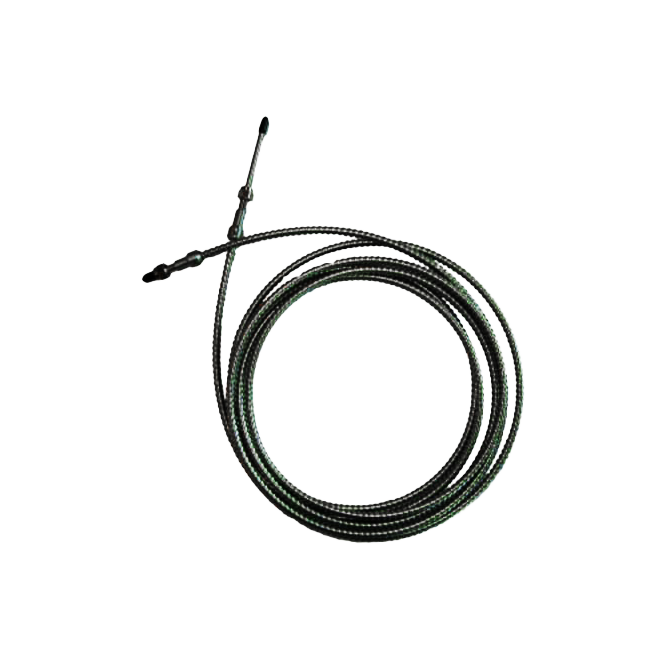
Fiber optic cable
Area of application:
Connection of the HK4 spectrometer with the NIR sensors.
Construction technology:
Special fiber optic cable with a very low proportion of OH molecules. Length from 1 m to max. 100 m.
Suitable for:
HK4, HK5, HK7
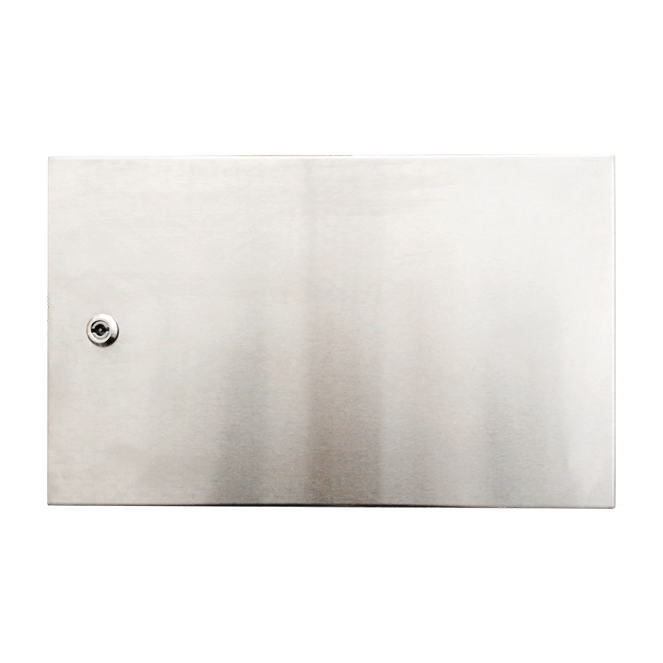
Stainless steel housing
Area of application:
Housing for protected installation of the evaluation unit and various additional devices, such as the power supply for the laser distance sensor.
Dimensions (L x W x H):
500 x 300 x 167 mm
Option for:
HK-1M, HK2-M, HK3, HK8
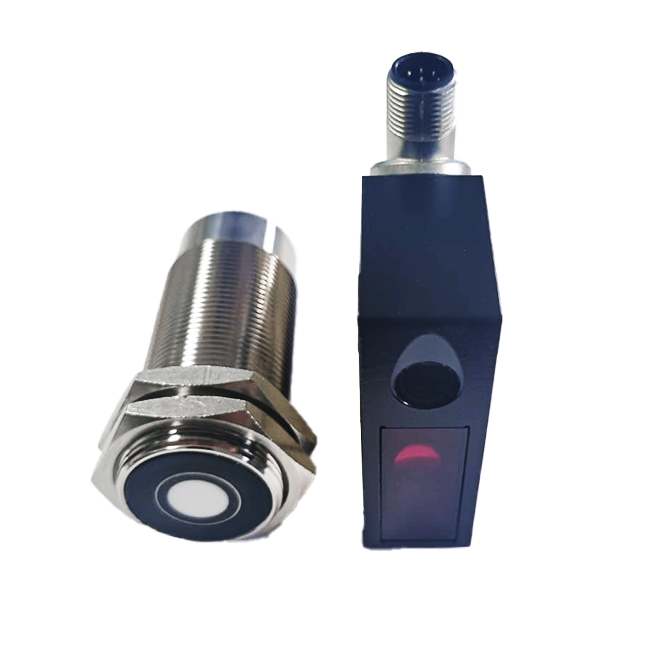
Laser/ultrasonic distance sensor
Area of application:
Measurement of the height of the measured product (cheese / curd), or signaling for belt occupancy of the conveyor belt.
Dimensions (L x W x H):
50 x 20 x 65 mm (in conjunction with the stainless steel housing)
Suitable for:
HK1, HK1-Mc, HK3, HK4, HK5, HK7, HK8 and HK9